






Your to-do list that blocks apps

Build routines, stay focused, and get back the time you lose to your phone. Your tasks and focus sessions block distracting apps automatically, so your time goes to what you planned.

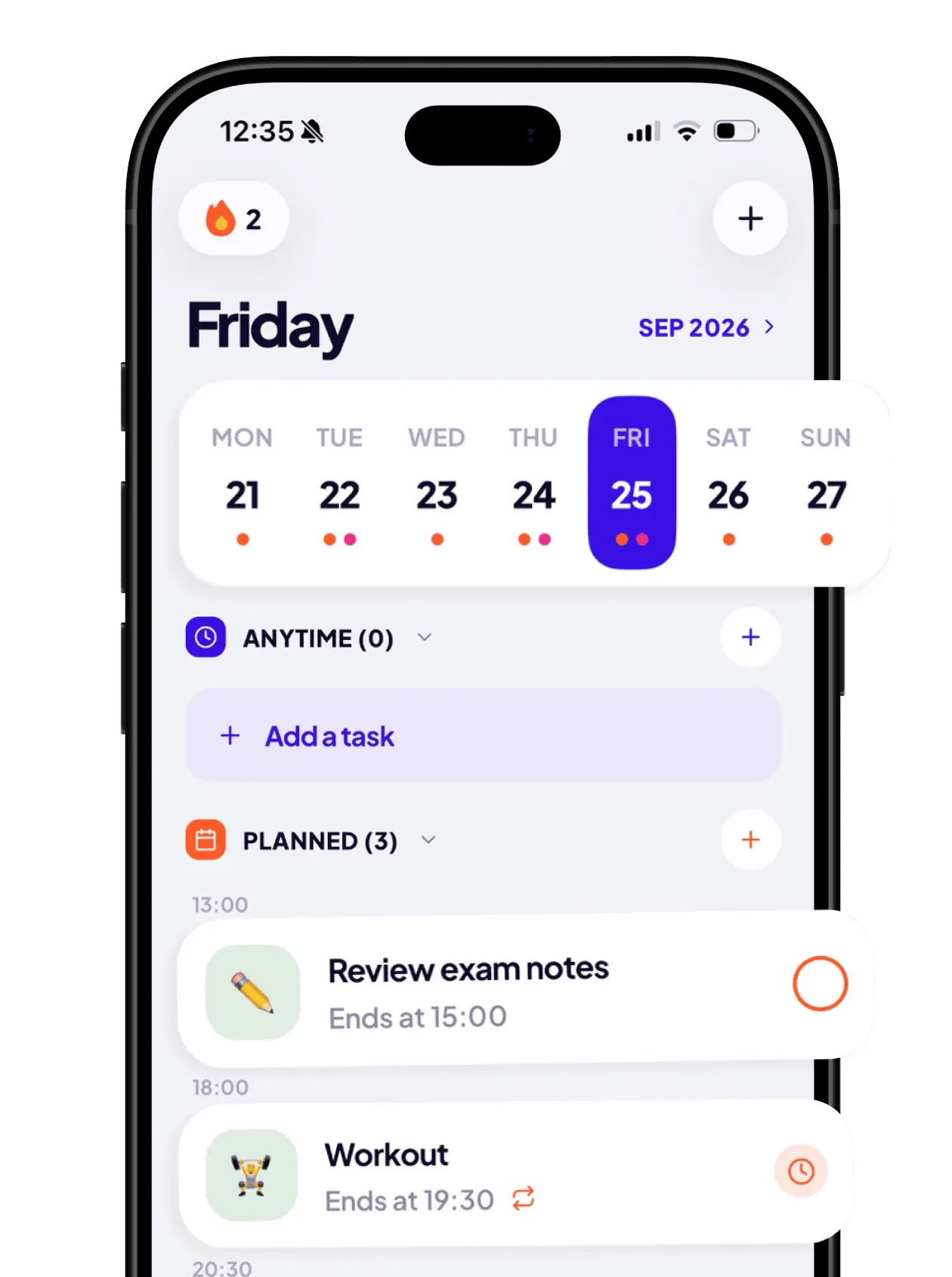
Tikku home screen: Friday’s tasks with a week calendar

Plan. Block. Focus.

Routines

Plan tasks and daily routines

Create tasks for any time, make them repeat, add reminders and subtasks, or have them end automatically at a set time. That makes a sleep routine or a daily deep-work session easy to set up.

  • Repeat daily, on weekdays, or on the days you choose
  • Tasks can end on their own at a set time
  • Reminders and subtasks
A day of routines: breakfast, deep work, lunch, painting, swim, dinner, sleep

App blocking

Block distracting apps automatically

Any task can block everything, everything except a few apps, or just the apps that distract you. Blocking starts when the task starts and stops when it ends.

  • Save your setups as presets and reuse them
  • Strict mode: no stopping the block early
  • Works even when Tikku is closed
Shield screen: Instagram is blocked by Tikku during a focus session

Focus mode

Start a focus session anytime

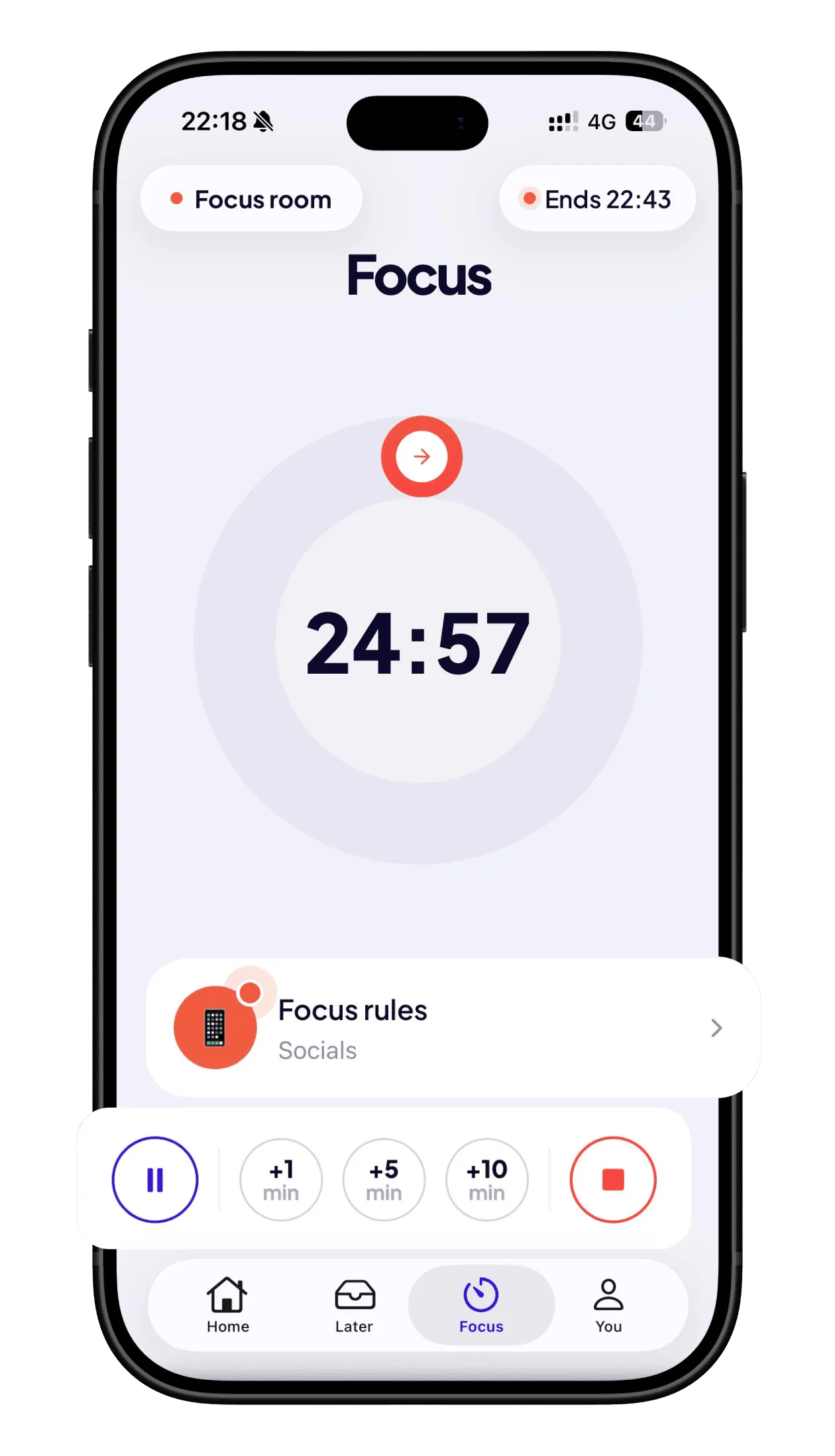
Pick a duration, choose your blocking rules, and start. Your session stays on your Lock Screen, even while you use the apps you need.

  • Add 1, 5 or 10 minutes when you’re on a roll
  • Pause or stop anytime, unless you go Strict
  • Streaks, achievements and a weekly report
Focus timer at 24:57 with focus rules blocking socials

Live now

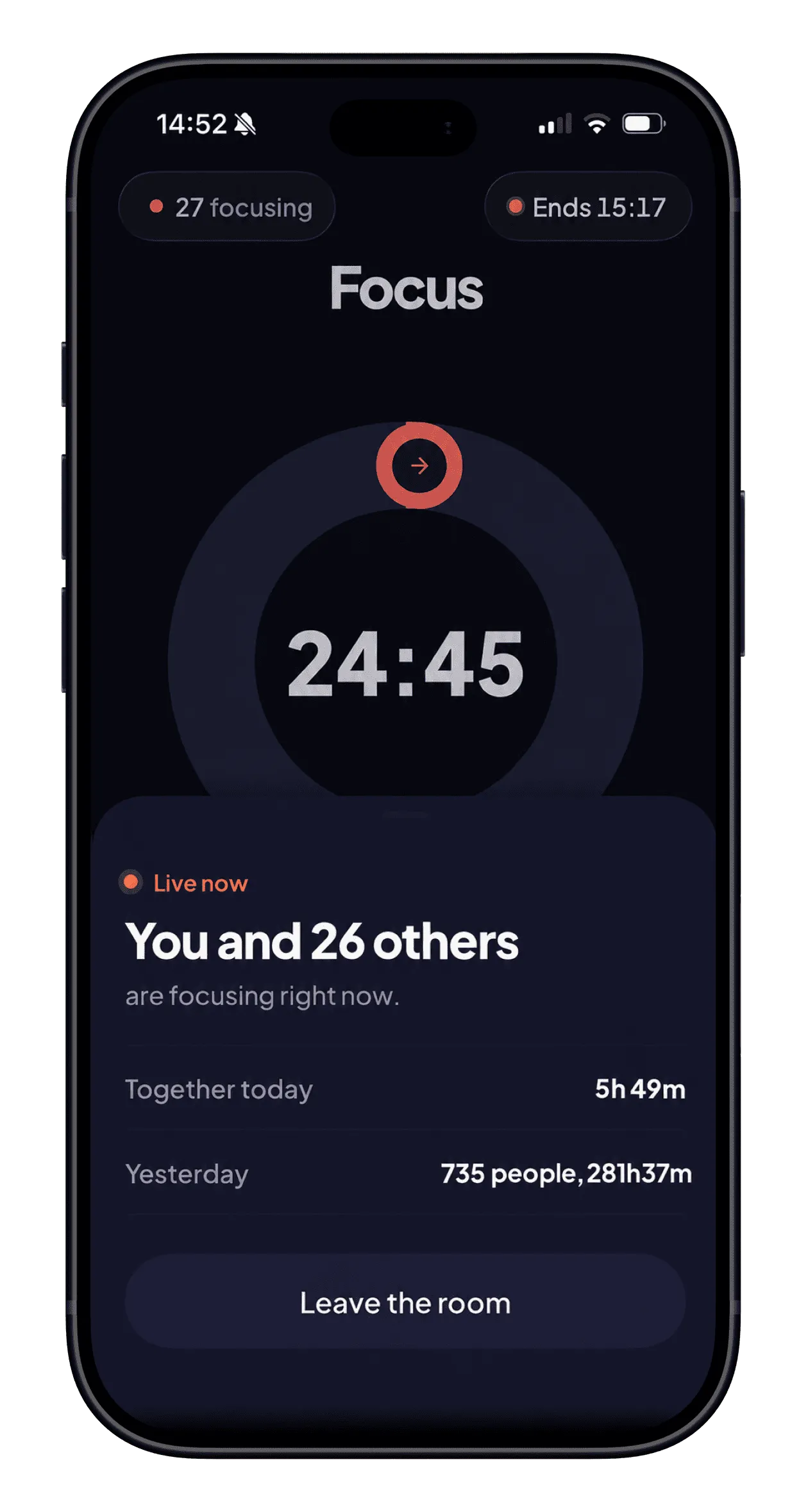
Join the Focus Room

See how many people are focusing with you, right on your Lock Screen. Only the number is shared, never your task. Each morning, a quiet note tells you how many people focused together the day before.

Focus room: you and 26 others are focusing right now

Later

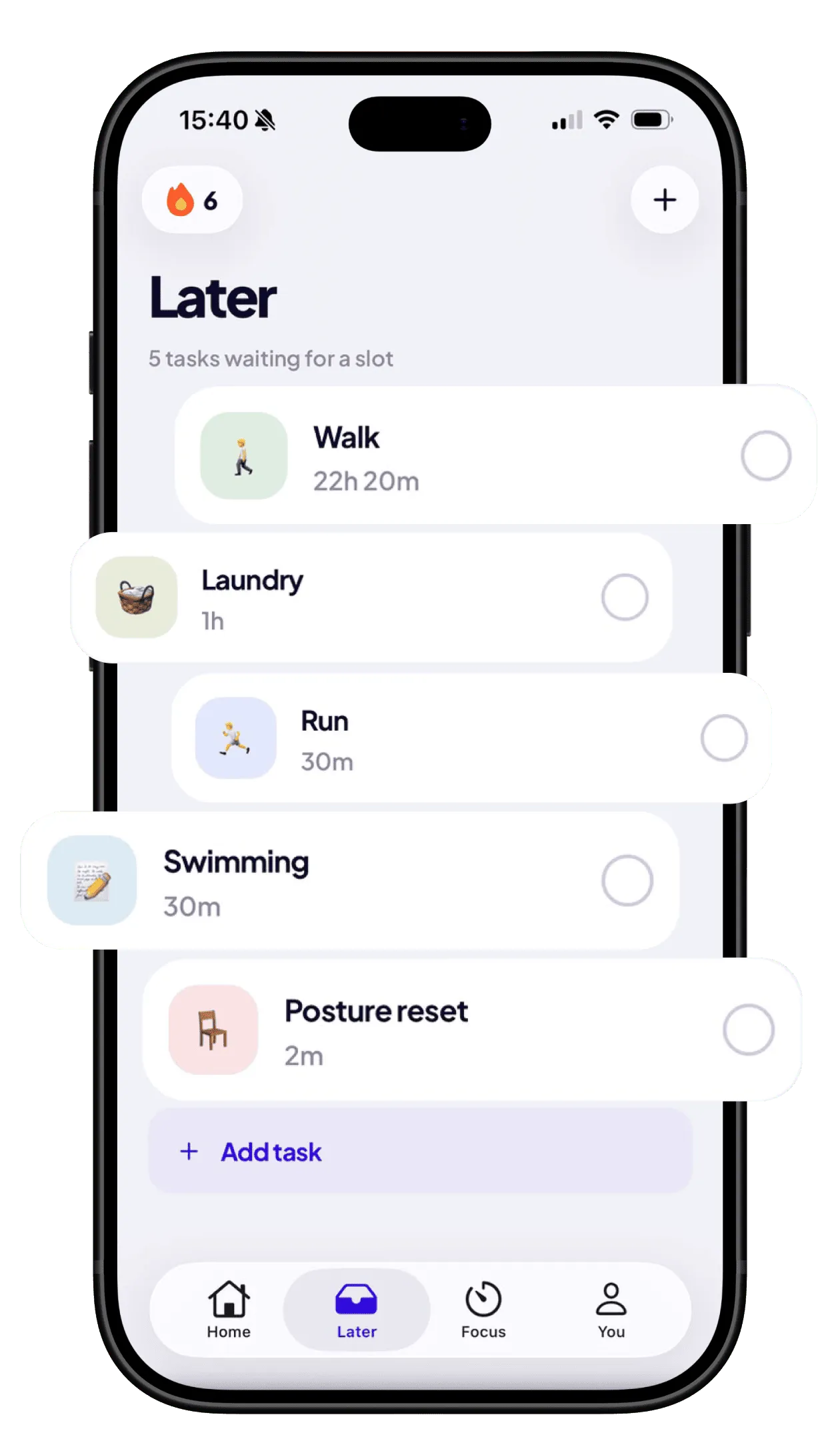
Save tasks for later

Not every task needs a time. Add it to Later with how long it takes, and schedule it when you have a free slot.

Later list: walk, laundry, run, swimming, posture reset

Widgets

Home Screen and Lock Screen widgets

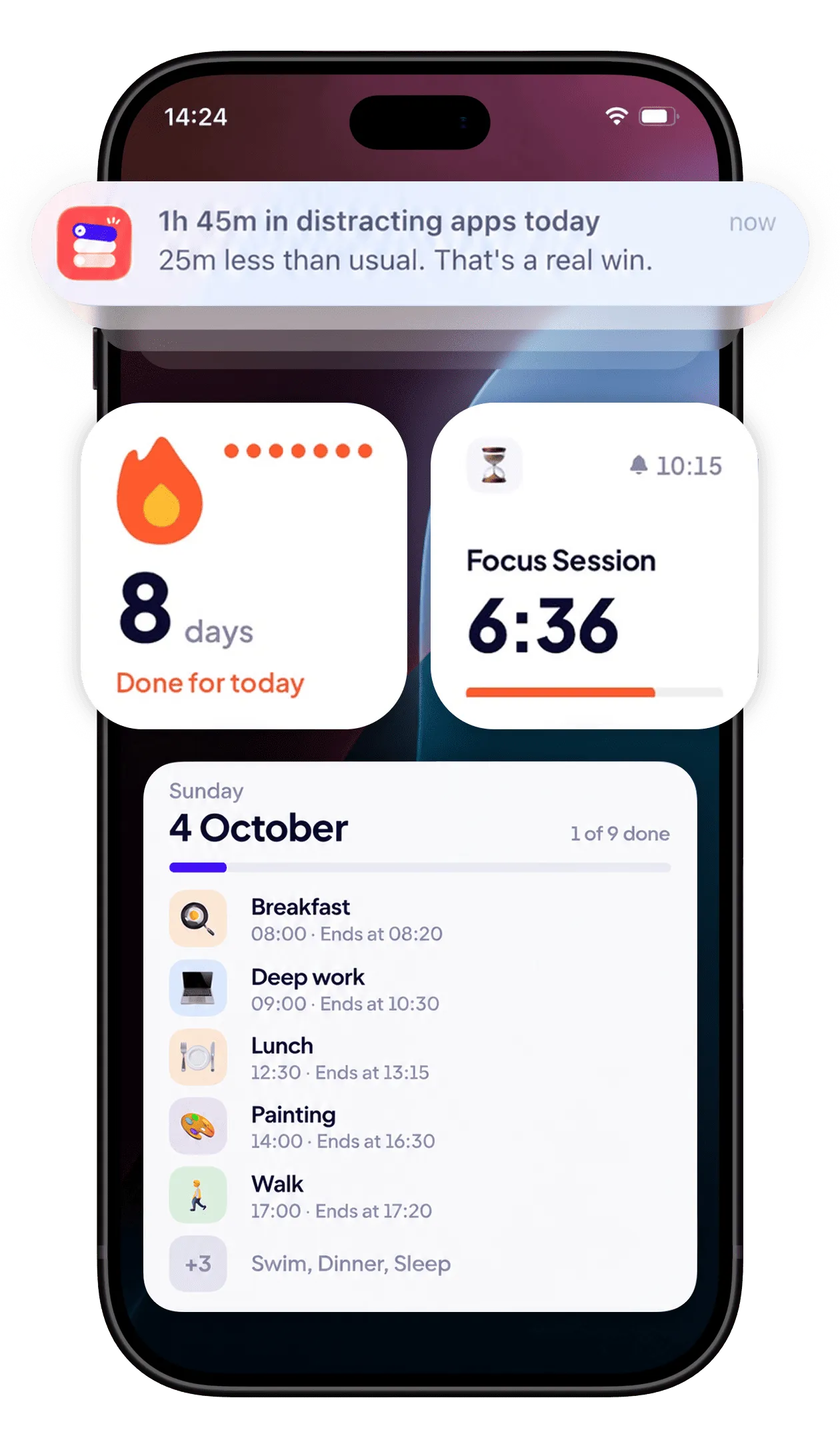
See today’s tasks, your focus session and your streak at a glance. Tikku also reminds you when a task starts and checks in each evening with your screen time.

Lock Screen with a Tikku reminder, streak and focus widgets, and today’s tasks

Reviews

What people say about Tikku

Super helpful for focus!

Tikku is simple, clean, and ridiculously effective. Combining a to-do list with an app blocker is a game changer.

Nice app

Planner + blocker make a nice combo

Nice

I love how it combines task planning with automatic app blocking, so I can stay on track without constantly checking my schedule.

A super handy tool for kicking the phone habit

You can block any app you choose and limit how long you use it each day. No more worrying about wasting time scrolling.

A really great to-do and focus app

Great UI and interactions, and a really clean style.

Pretty good

The app is nicely designed. It keeps me away from the apps that eat my time, so I don’t waste my life.

FAQ

Frequently asked questions

Have another question? Write to

Is Tikku free?

Yes. Tikku is free to download and its core features are free. Tikku Pro is an optional upgrade that adds blocking on every task, Strict mode, the focus room, sub-tasks, ready-made routines and backup across your devices.

How does the blocking work?

You choose what a task or focus session blocks: everything, everything except a few apps, or specific apps, categories and websites. You can save these setups as presets. Blocking starts automatically when the task starts and stops when it ends, even when Tikku is closed.

What if I really need a blocked app?

In Flexible mode, you can pause blocking for 1 to 15 minutes whenever you need to. In Strict mode, you can’t stop the block early, apart from one 15-minute exception a week. Emergency calls always work.

Can Tikku see which apps I block, or my screen time?

No. iOS handles your selection and doesn’t tell Tikku the names of the apps you picked. Your screen time is read and shown by iOS itself, and never leaves your iPhone.

Do I need an account?

No. Every feature, blocking included, works without signing in. Sign in with Apple or Google only if you want your tasks backed up and synced.

Is Tikku a parental control app?

No. Tikku is a self-control tool for the person using the iPhone. It can’t block apps on someone else’s device or read their screen time.

Which devices and languages?

Tikku is on iPhone. It works offline, syncs your tasks and progress between devices when you sign in, and supports light and dark mode. It’s available in English, French, Spanish, German, Italian, Japanese, Korean and Simplified Chinese.

Tikku app icon

Get back the time you lose to your phone

Free on the App Store, for iPhone.

Download on the App Store

Tikku

Free on the App Store

Get